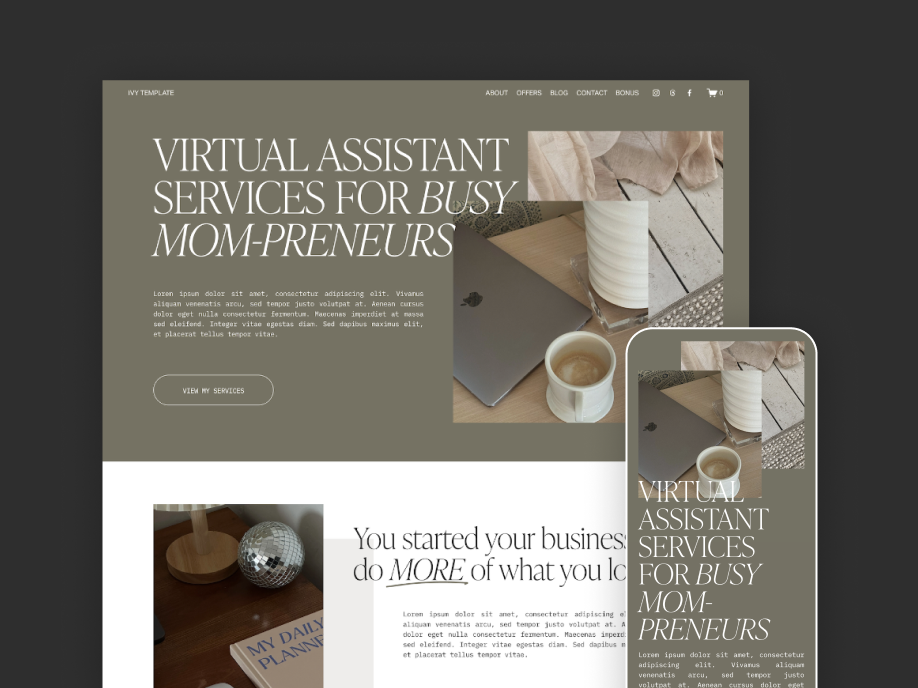
The Original Ivy Template
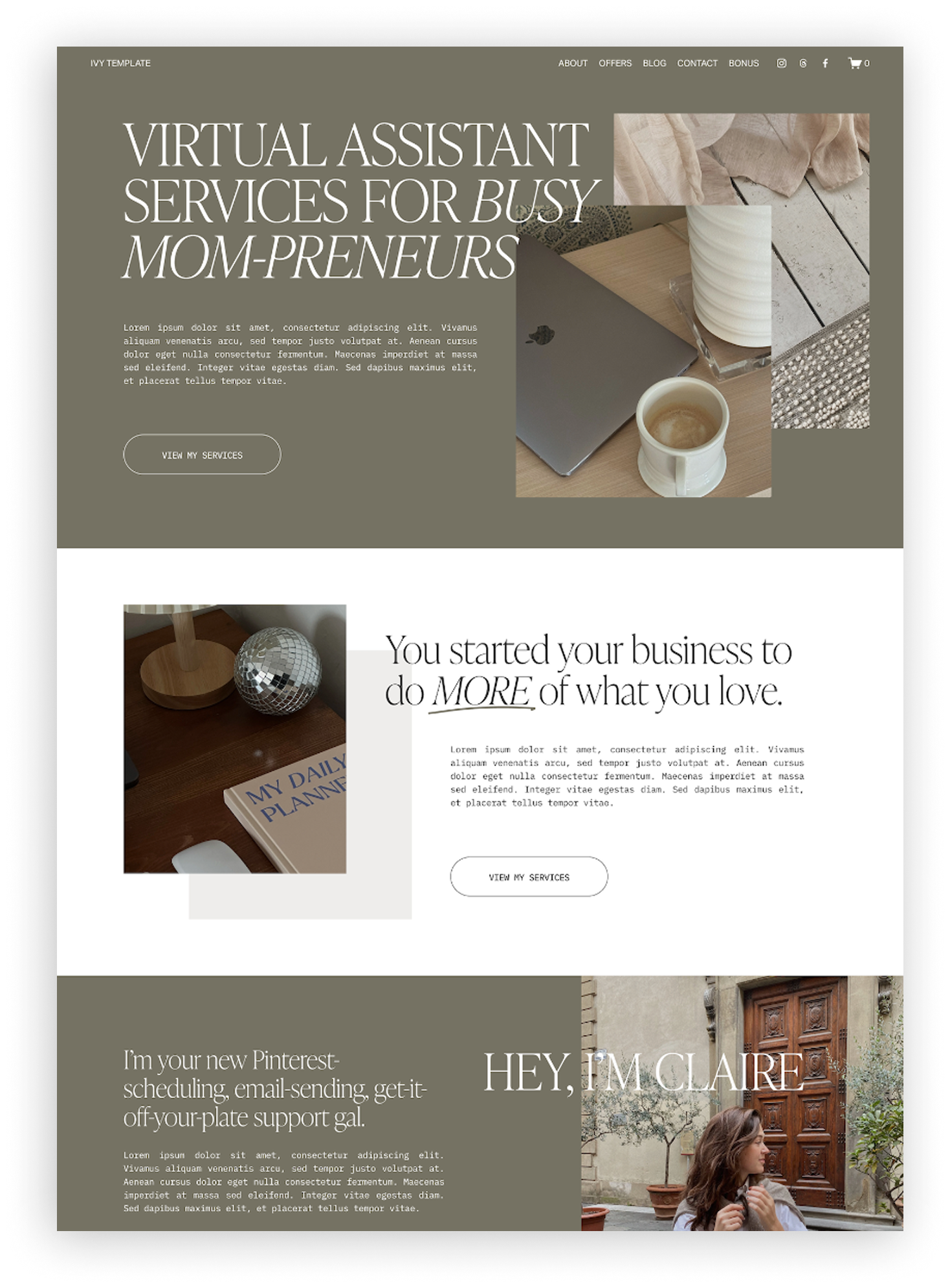
If you’re looking at the Ivy template for your own Virtual Assistant website but want to see it styled a few different ways first, you’re in the right place! The original template is designed to be a little dark and moody, with a maximalist feel. All of the photos in the template are from Dupe Photos to make it a super authentic and to prove you don’t need a professional photoshoot to launch your first website.
The Palette:
Light Tan: #eeedeb
Light Pink: #e0ccbe
Dark Green: #767264
Dark Grey: #262626




So if you love the overall vibes of the Ivy Template, but you'd like to make it feel a bit more you, below is some color inspiration to get you started. These three palettes keep the same dark and moody vibes of the original template, but each puts its own spin on it. Feel free to take these colors directly for your own website, or use them as a springboard to play around and find something new. If you’re choosing your own colors, read more tips about color contrast and accessibility here!
And if you’re wondering how hard it is to achieve any of these looks, it’s as simple as editing the fonts and colors in your template settings — that’s the only change from the original on all of these examples! Which I love, because it means you can make the template feel so different with just a few clicks.
Palette 1: Dark Romance
feminine • romantic • passionate
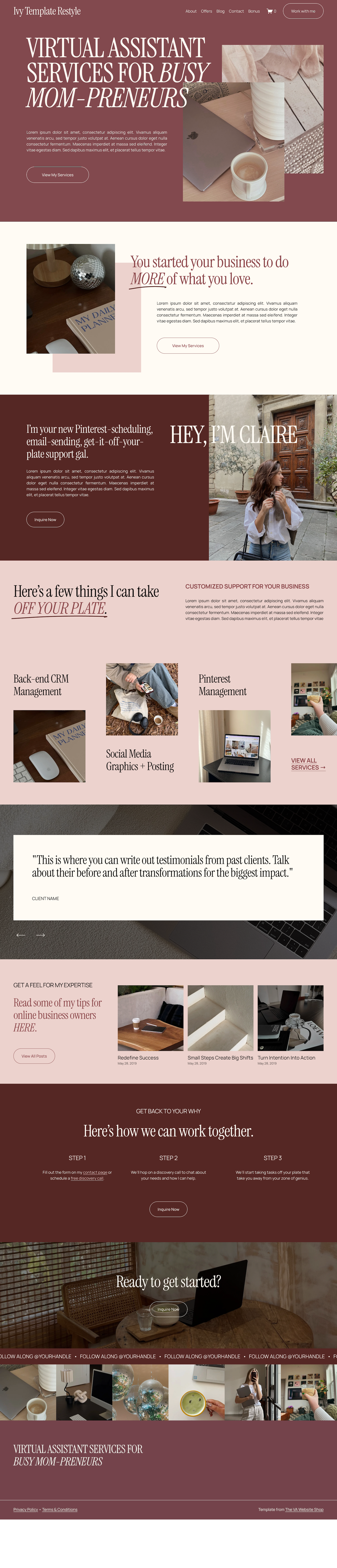
This palette reminds me of dark academia, and I love all of the rosy tones. I think it would look amazing paired with some moody, romantic images - I suggest looking at Dupe or Unsplash for free ones perfect for this look!
The Palette:
Light Cream: #fffbf4
Light Pink: #ecd2cd
Medium Pink: #8a484b
Dark Red: #552824
Fonts used: Instrument Serif, Manrope

↓ Hover and Scroll ↓
Palette 2: Unexpected Pop
grounded • fun • trustworthy
Some of my favorite color palettes I’ve pinned on Pinterest have a color I’d never expect, so I wanted to include an example of one here. By choosing a lighter unexpected color, it can become a background, design accent, or even a button to show off the color without it taking over.
The Palette:
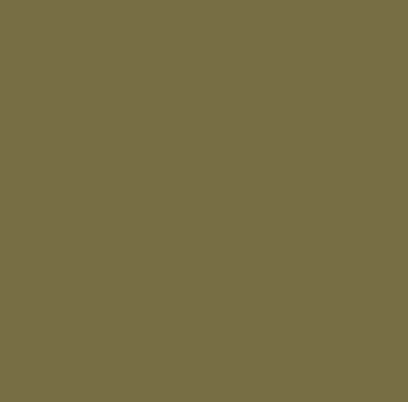
Light Cream: #f0e8de
Light Blue: #b4d6e3
Olive Green: #796d3d
Dark Brown: #36160f
Fonts used: Albert Sans


↓ Hover and Scroll ↓

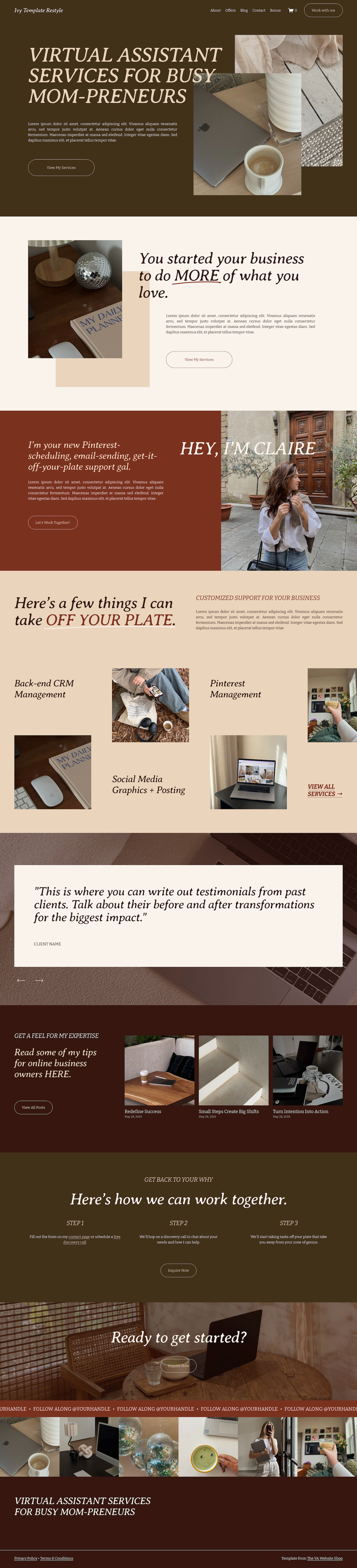
Palette 3: Warm & Cozy
earthy • warm • grounded
I love the way this palette turned out - it makes me feel like I’m about to go camping in a cozy wood and hangout around the campfire. This palette uses only warm colors like tan, red, and brown to create a super grounded, earthy feel.
Like the fonts in this example? Check out the font inspo post here!→
The Palette:
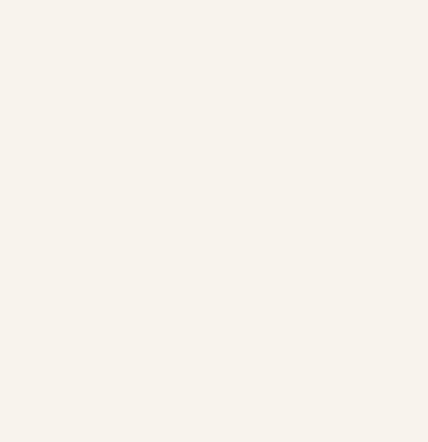
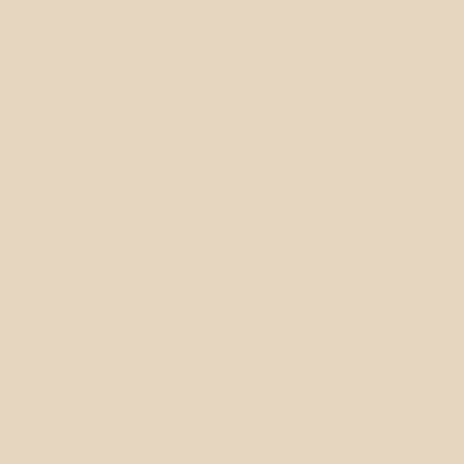
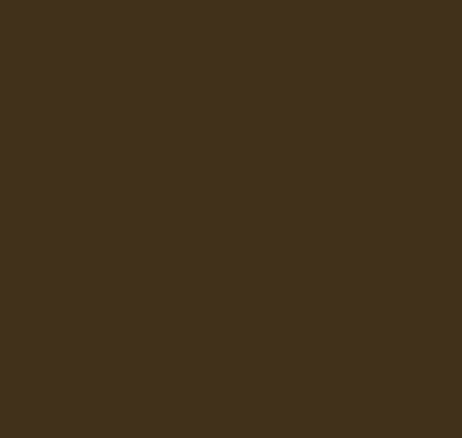
Light Cream: #f9f3ec
Tan: #e9d4bc
Rust Red: #7a311e
Dark Brown: #43311a
Fonts used: Averia Serif Libre, Bitter

↓ Hover and Scroll ↓