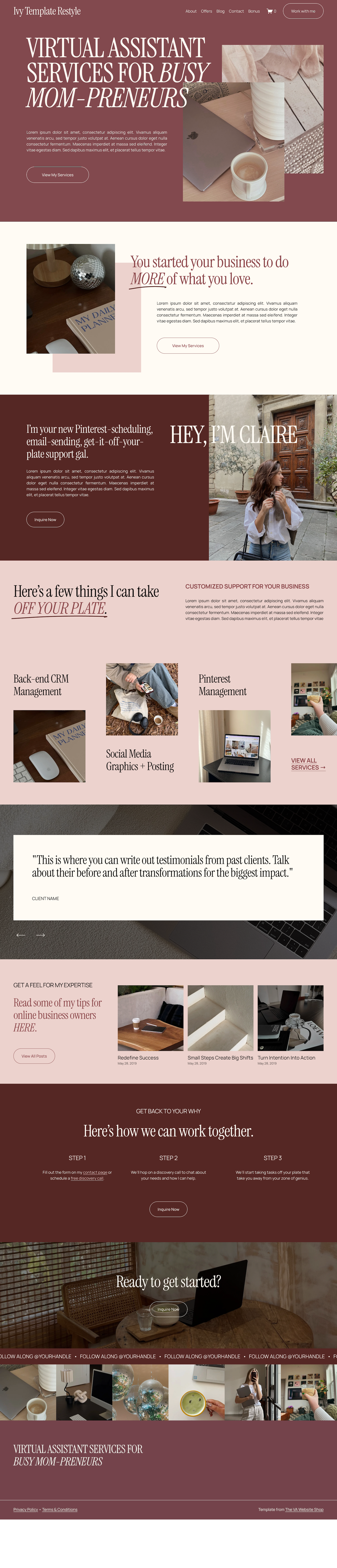
The Original Ivy Template
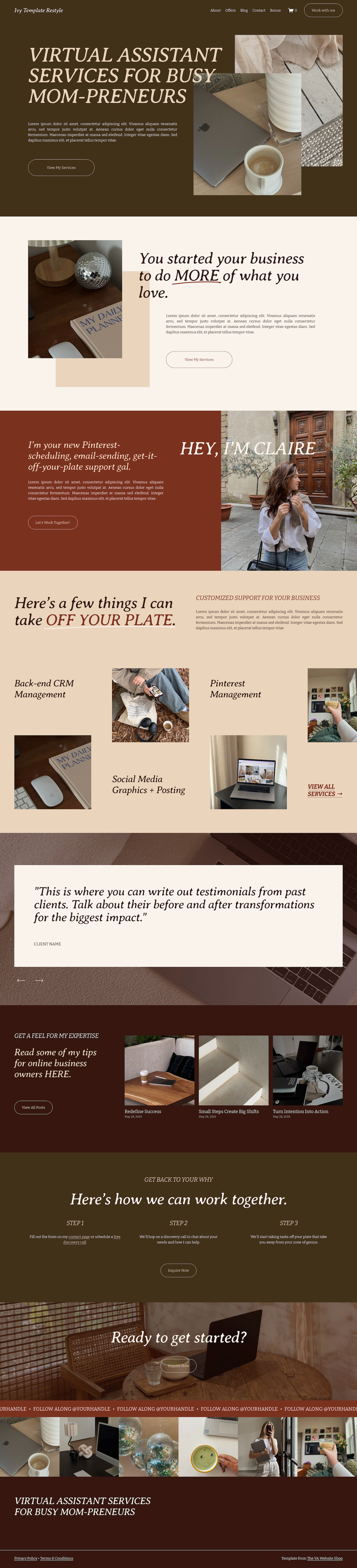
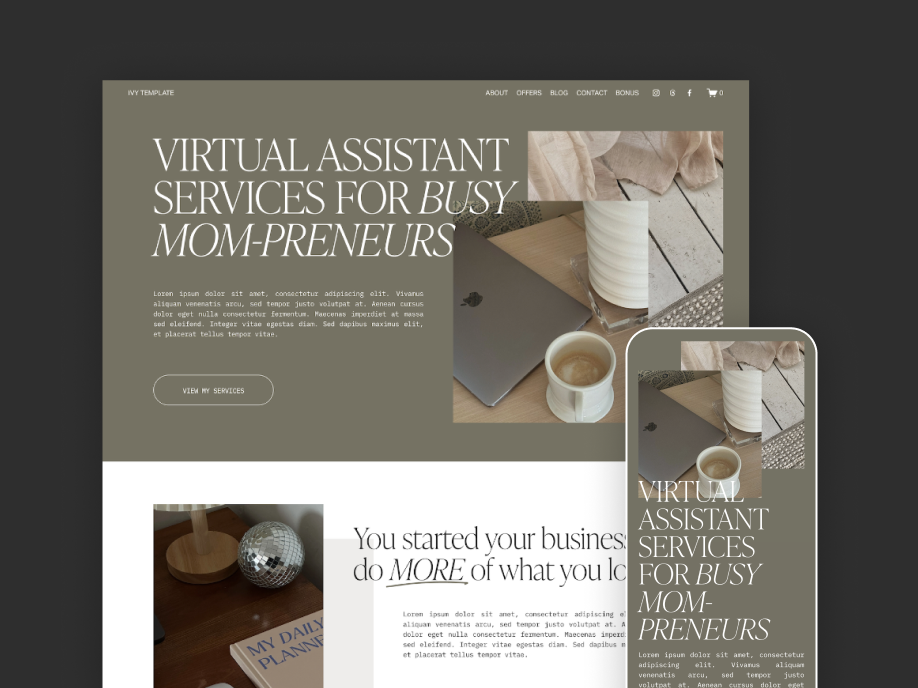
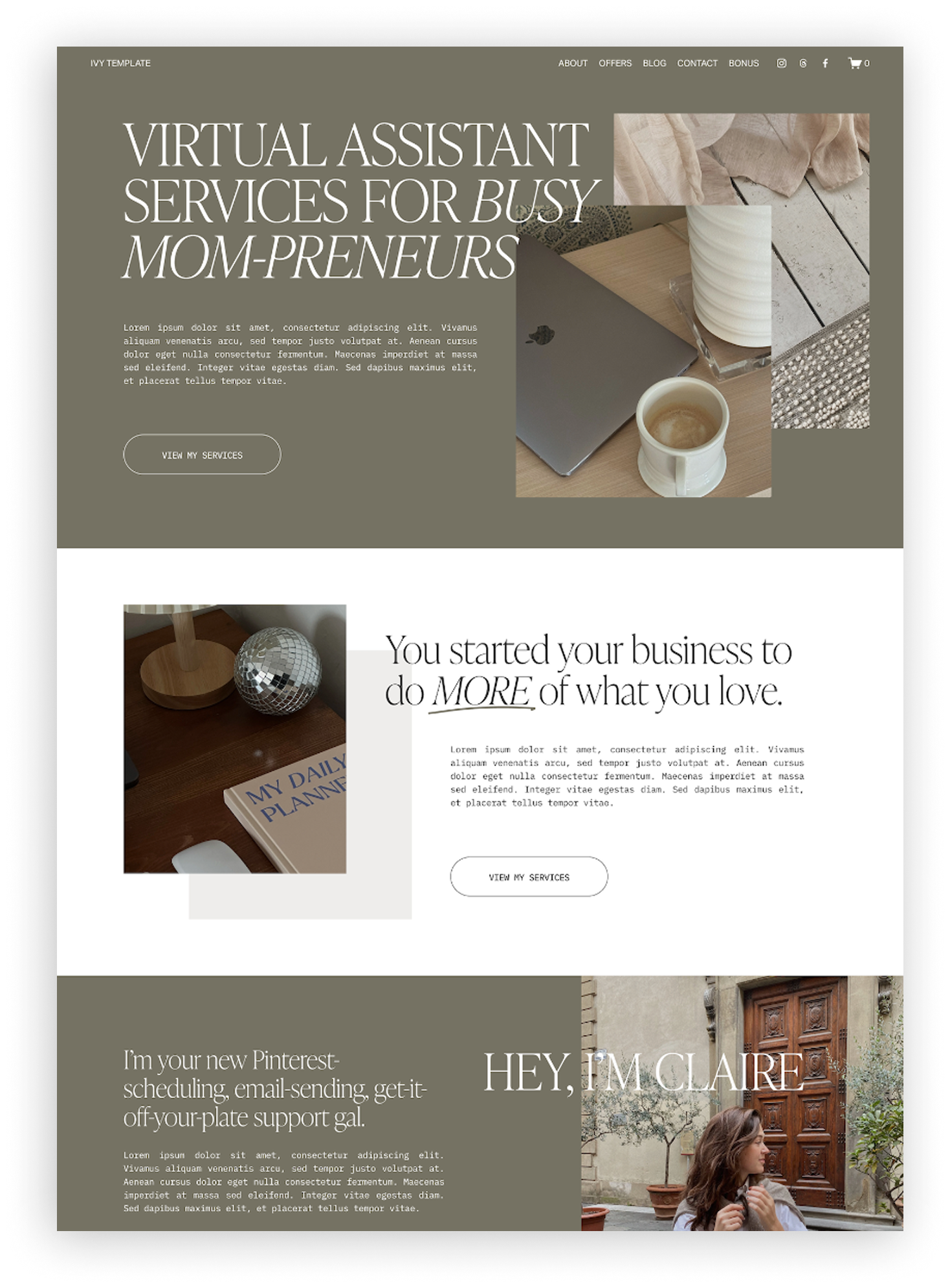
If you’re looking at the Ivy template for your own Virtual Assistant website but want to see it styled a few different ways first, you’re in the right place! The original template is designed to be a little dark and moody, with an editorial, maximalist feel. All of the photos in the template are from Dupe Photos to make it a super authentic and to prove you don’t need a professional photoshoot to launch your first website.
fonts used:
Headings: Ivy Presto Display
– Available in Squarespace: YES
– Free Google Font: NO
– Available in Canva without upload: NO
Body Text & Buttons: IBM Plex Mono
– Available in Squarespace: YES
– Free Google Font: YES (Download Link)
– Available in Canva without upload: YES
Font Availability
All three of the font pairings below are free Google fonts (Check out this blog post here for a list of my favorite Google fonts!) and – at the time of writing this – are also natively available in Squarespace. Some of them are not in (currently) Canva, but since they’re free Google fonts, it’s easy to download them from Google Fonts and upload them to your Canva account. When paired with the color changes, each restyle has its own unique feel. Feel free to take these fonts directly for your own website, or use them as a springboard to play around and find something new.
And if you’re wondering how hard it is to achieve any of these looks, it’s as simple as editing the fonts and colors in your template settings — that’s the only change from the original on all of these examples! Which I love, because it means you can make the template feel so different with just a few clicks.
Font Pairing 1: Instrument Serif + Manrope
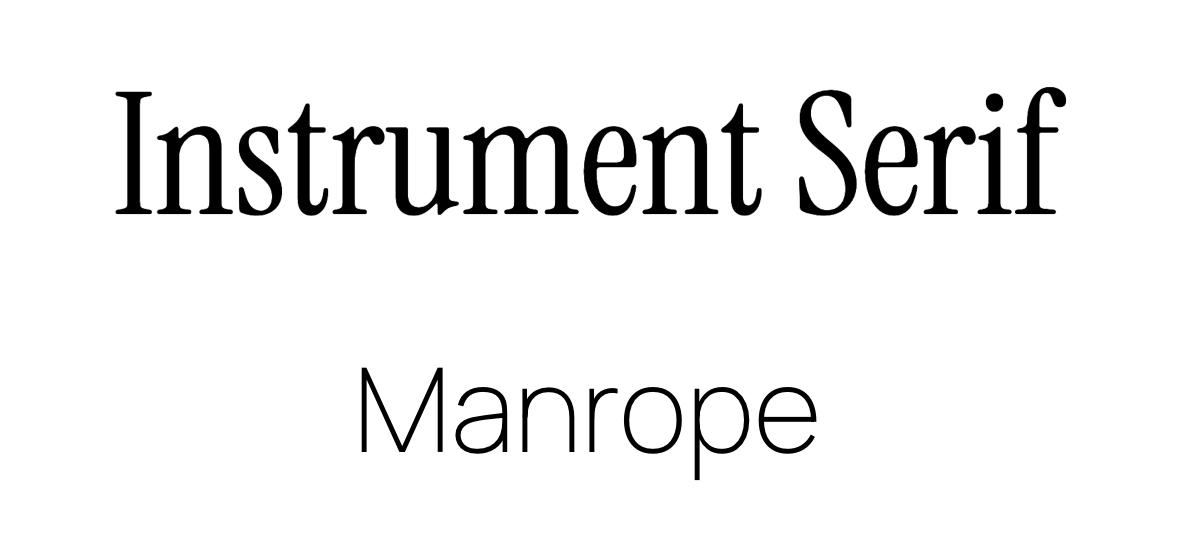
This restyle reminds me of dark academia, and I love that it still feels editorial but in a different way. The heading font feels a little more feminine and rounded than the original template font, and the sans serif body text/button font makes everything feel clean and easy to read.
The fonts:
Headings: Instrument Serif
– Available in Squarespace: YES
– Free Google Font: YES (Download Link)
– Available in Canva without upload: YES
Body Text & Buttons: Manrope
– Available in Squarespace: YES
– Free Google Font: YES (Download Link)
– Available in Canva (without upload): NO
↓ Hover and Scroll ↓
Font Pairing 2: Albert Sans (Bold & Regular Weights)
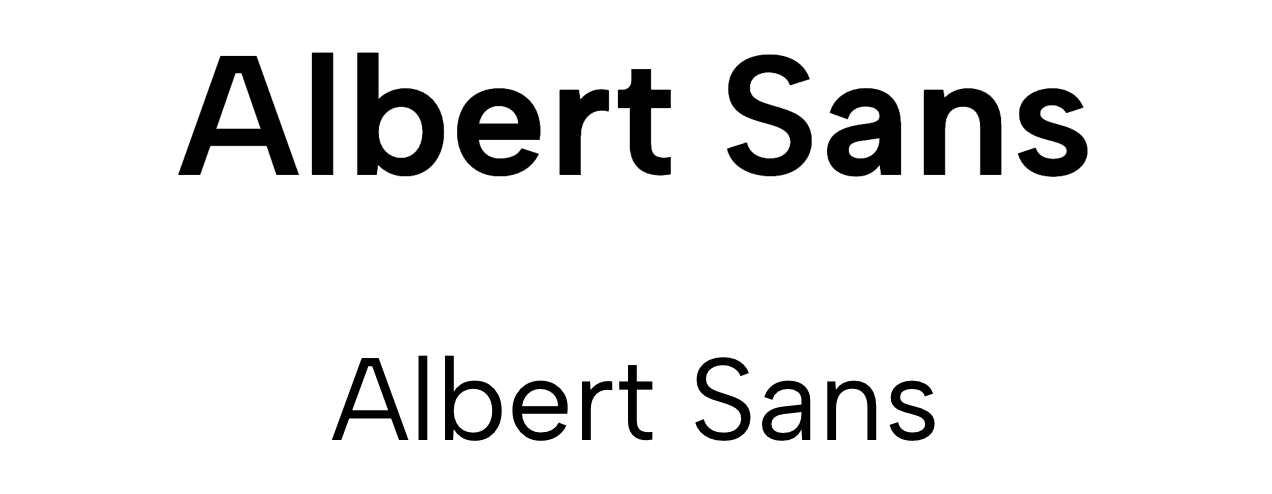
Sometimes less is more. Did you know you can use the same font in different weights (thicknesses) to make it look like multiple are used? That’s what’s happening here with Albert Sans — a fun, geometric sans serif available in a wide variety of weights.
The fonts:
Headings, Body Text, & Buttons: Albert Sans
– Available in Squarespace: YES
– Free Google Font: YES (Download Link)
– Available in Canva without upload: NO
↓ Hover and Scroll ↓

Font Pairing 3: Averia Serif Libre + Bitter
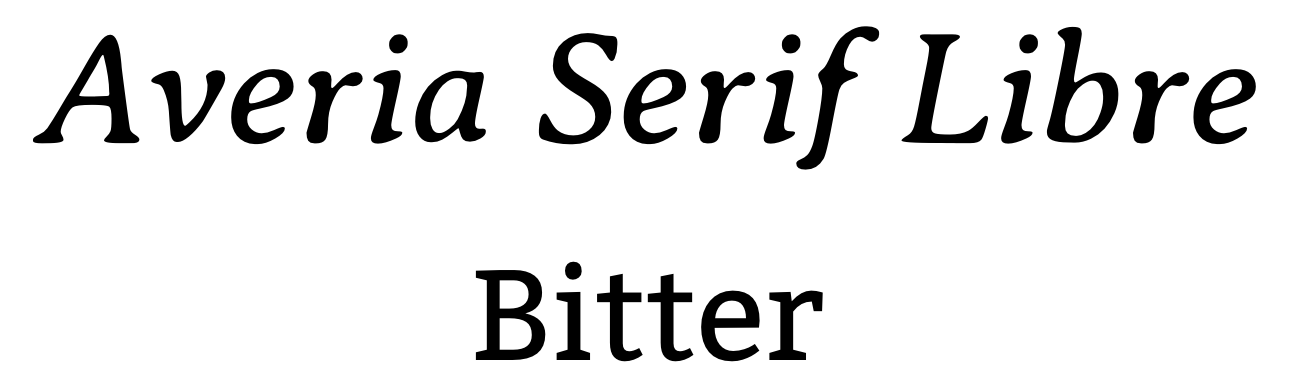
I love the way this restyle turned out - it makes me feel like I’m about to go camping in a cozy wood and hangout around the campfire. The weathered look of the heading font feels handwritten (but still legible) while the serif body font feels like a compliment without being too similar.
The fonts:
Headings: Averia Serif Libre
– Available in Squarespace: YES
– Free Google Font: YES (Download Link)
– Available in Canva without upload: NO
Body Text & Buttons: Bitter
– Available in Squarespace: YES
– Free Google Font: YES (Download Link)
– Available in Canva (without upload): YES
↓ Hover and Scroll ↓