Note: Some of the links on this page are affiliate, which means if you click, I may get a small commission at no cost to you. But trust me when I say, I wouldn’t promote Flodesk if I didn’t truly love it, believe in it, and use it every day to run my business. :)
You’ve heard it a zillion times… “You don’t own your social media following… You need to grow your email list!” But let’s be real. Actually setting up a freebie can feel like climbing Mount Everest in flip-flops. Between writing the emails, setting up the forms, connecting all the platforms… it’s no wonder so many people never even get their freebie out of their Canva account!
But here’s the thing: growing your email list doesn’t have to be complicated. In fact, with the right strategy (and the right tools), you can set up a freebie in under an hour and start seeing new subscribers rolling in almost immediately.
Let’s break down the exact steps to create and launch a high-converting freebie and how you can make the whole process 10x easier with the Flodesk Freebie Toolkit (more on that in a minute).
Step 1: Create a Freebie Your Audience Actually Wants
The first step to growing your email list is creating a freebie that your audience can’t wait to get their hands on. Here’s a few ideas:
High-Converting Freebie Ideas:
A checklist or cheat sheet (quick win)
A mini guide or workbook (high value)
A swipe file or script (useful)
A template (saves time)
A video training or quick tutorial (educational)
And here’s a tip: Don’t overthink it. Your freebie doesn’t need to be long or complicated. Just focus on creating something that gives a quick win and builds trust!
Step 2: Set Up Your Opt-In Form
Once you’ve created your freebie, you need an easy way for people to sign up. I love to use Flodesk* for my email marketing because creating beautiful, on-brand forms is super easy!
There’s 3 types of forms:
An Embedded Form – You can place this on your homepage, in blog posts, in your footer, and more!
A Pop-Up Form – A sure-fire way to capture attention right when people land on your site.
Full-Page Form – Perfect for if you don’t have a website (link directly from social media!)
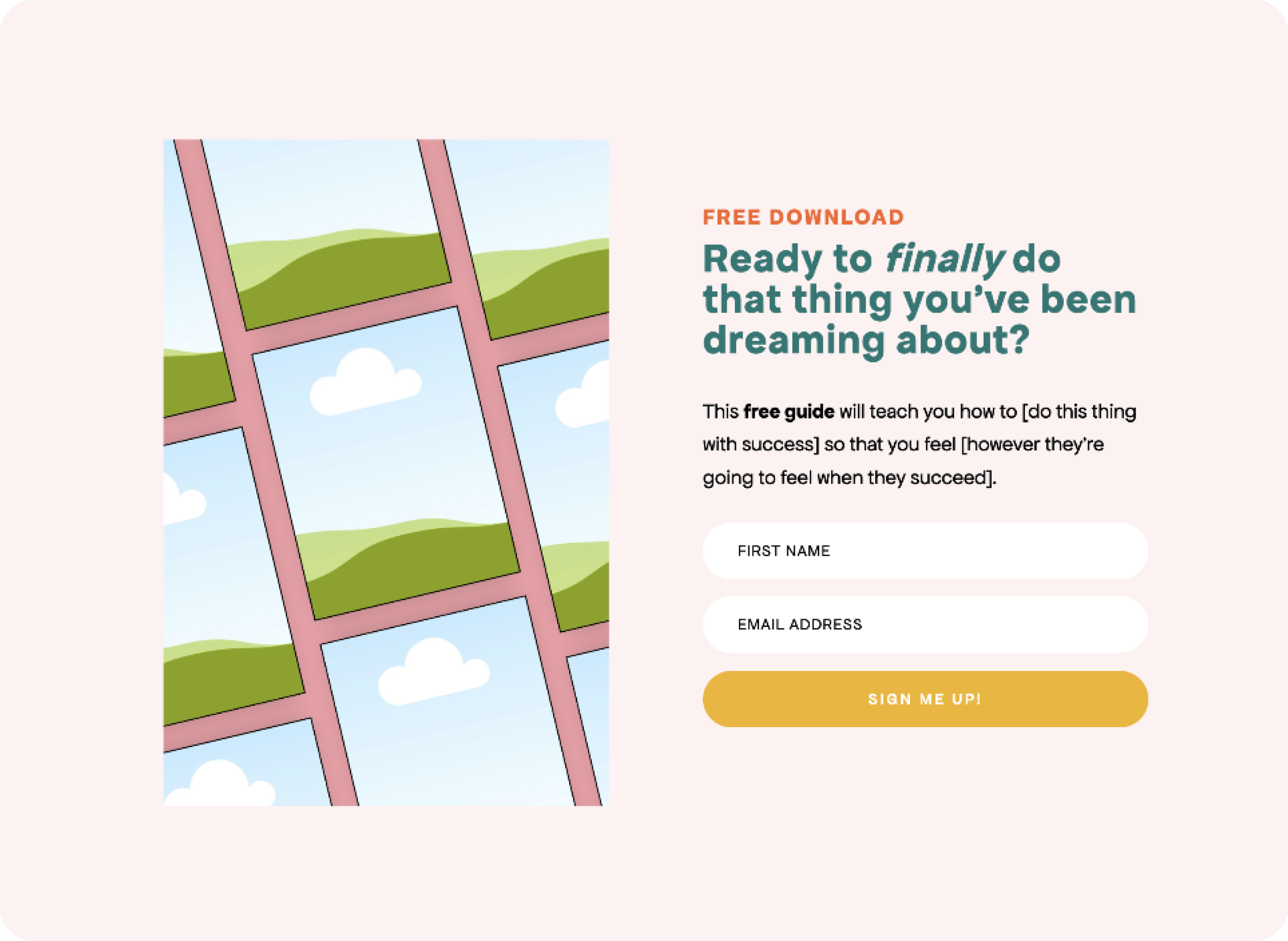
Form template inside The Flodesk Freebie Toolkit
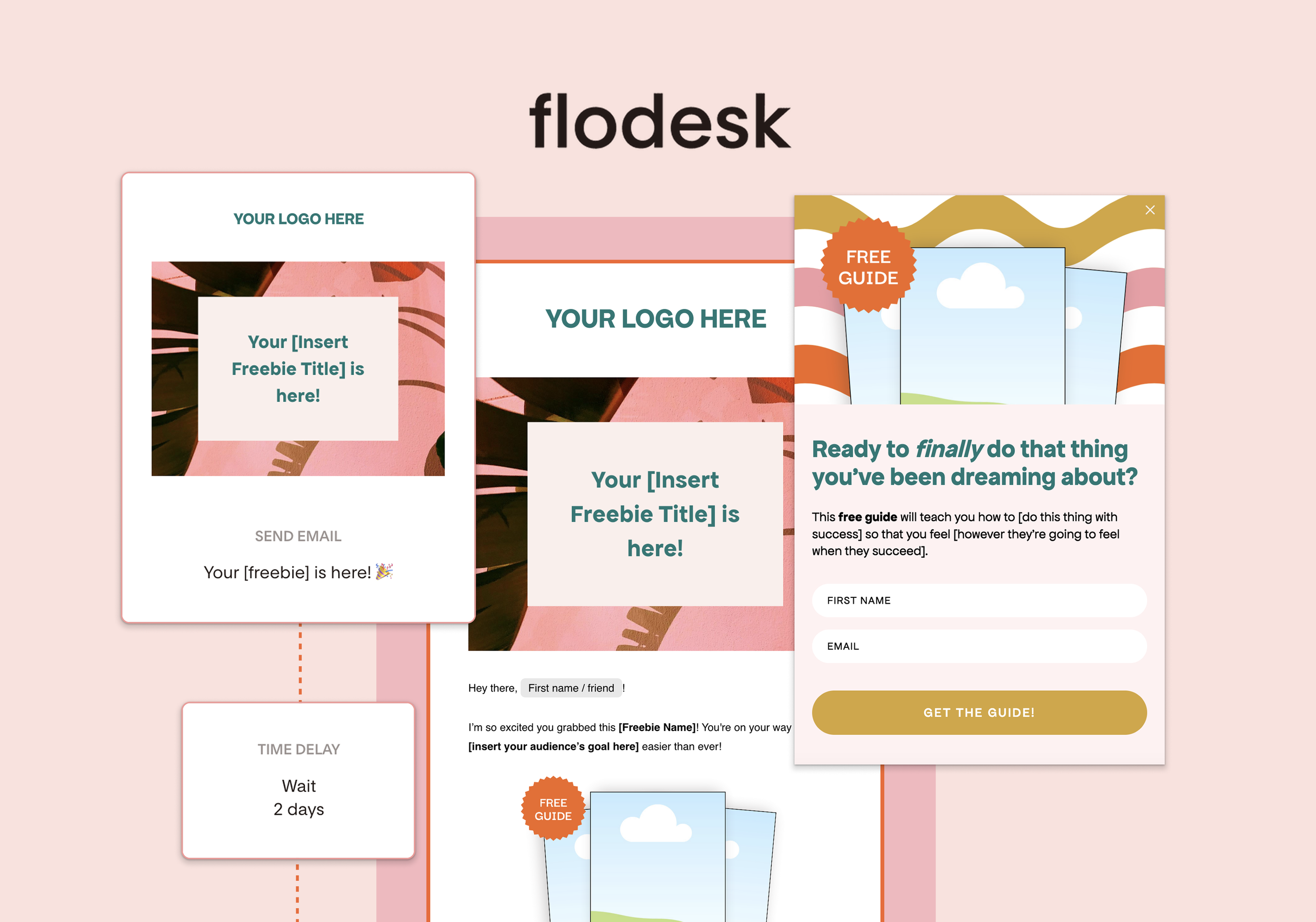
Feeling stuck on forms?
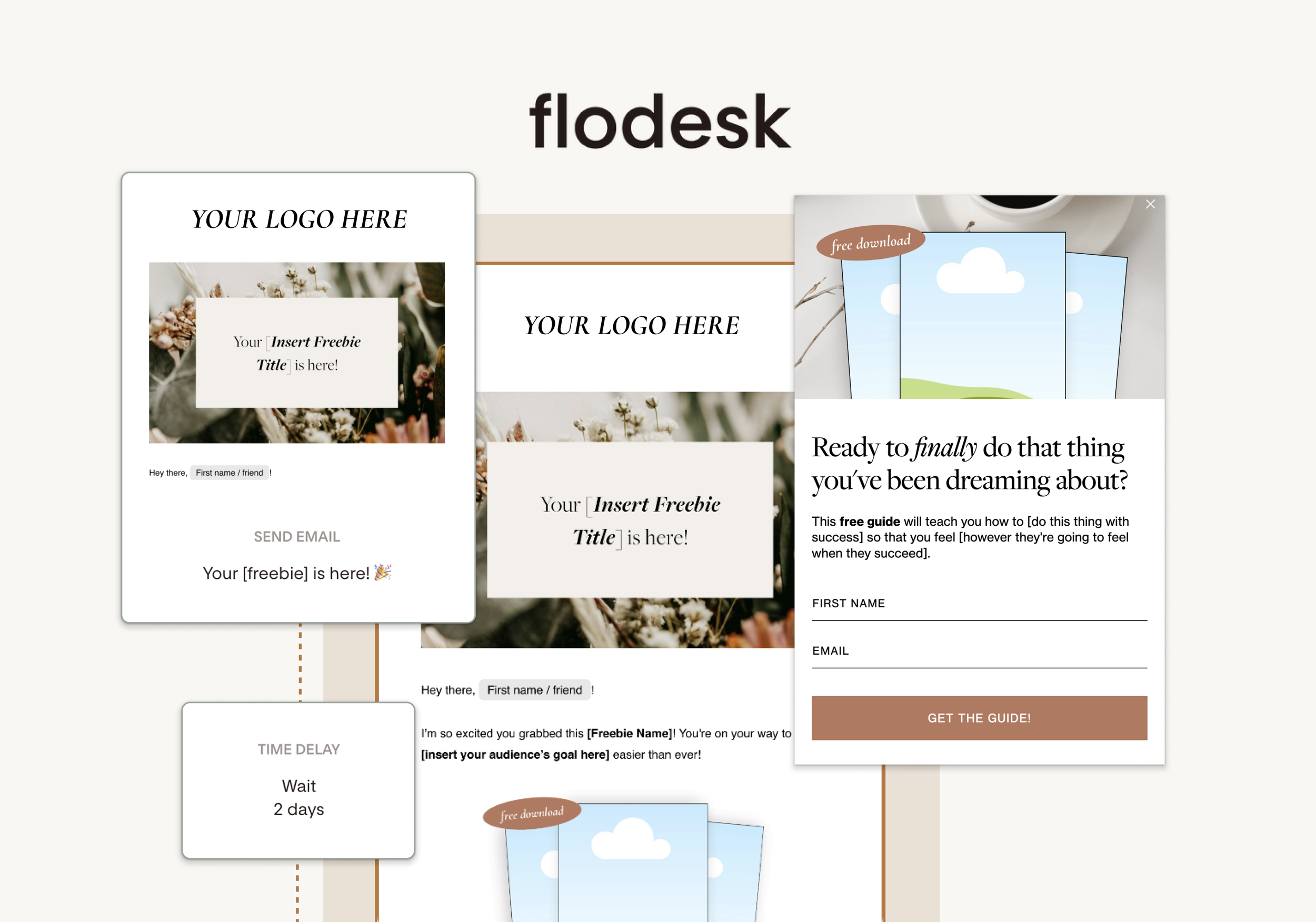
The Flodesk Freebie Toolkit comes with pre-built forms of all three kinds (embedded, popup, and full-page) so you can skip the setup stress!
Step 3: Write the Perfect Delivery Email
Once someone signs up, it’s time to delivery that freebie! Think of this email as your first impression.
Here’s what to include in your freebie delivery email:
A clear subject line like "Your Freebie is Here!"
A warm, personal introduction
The freebie download link (make it obvious)
A next step (like joining your Facebook group, following you on socials, or checking out your blog)
A reminder that more valuable content is coming soon
Don’t want to write the emails from scratch? The Flodesk Freebie Toolkit comes with three pre-written email templates (with content prompts), so you can just plug in your details and hit send.
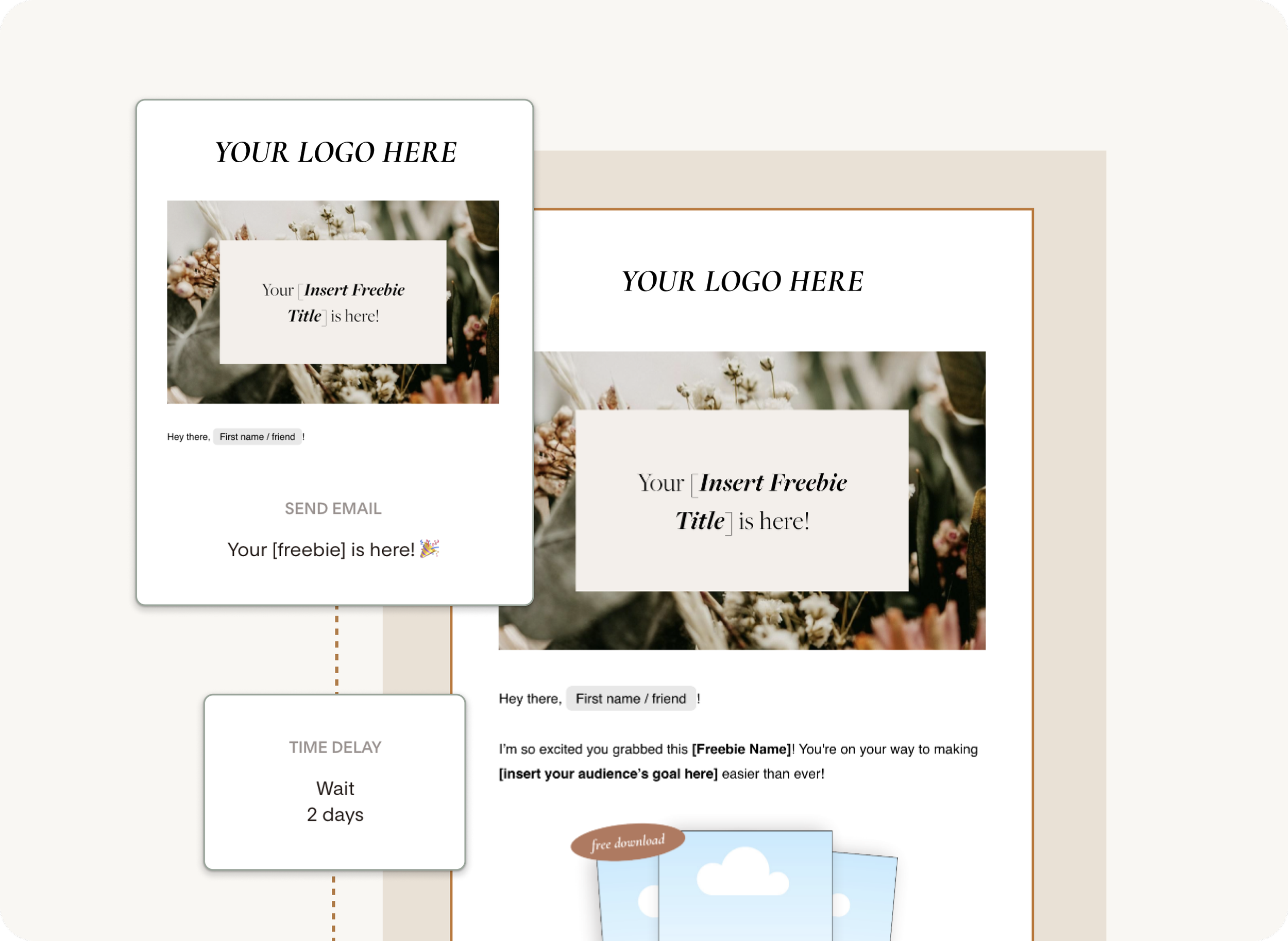
One of the freebie delivery email templates inside The Flodesk Freebie Toolkit
Step 4: Set Up an Automated Follow-Up Sequence
After you deliver the freebie, you want to stay top-of-mind and start building a relationship. That’s where an automated email sequence comes in! You can share more free or paid resources, offer one-on-one services, and continue to introduce them to your little business world. This will help nurture your new subscribers and move them toward becoming buyers without feeling pushy.
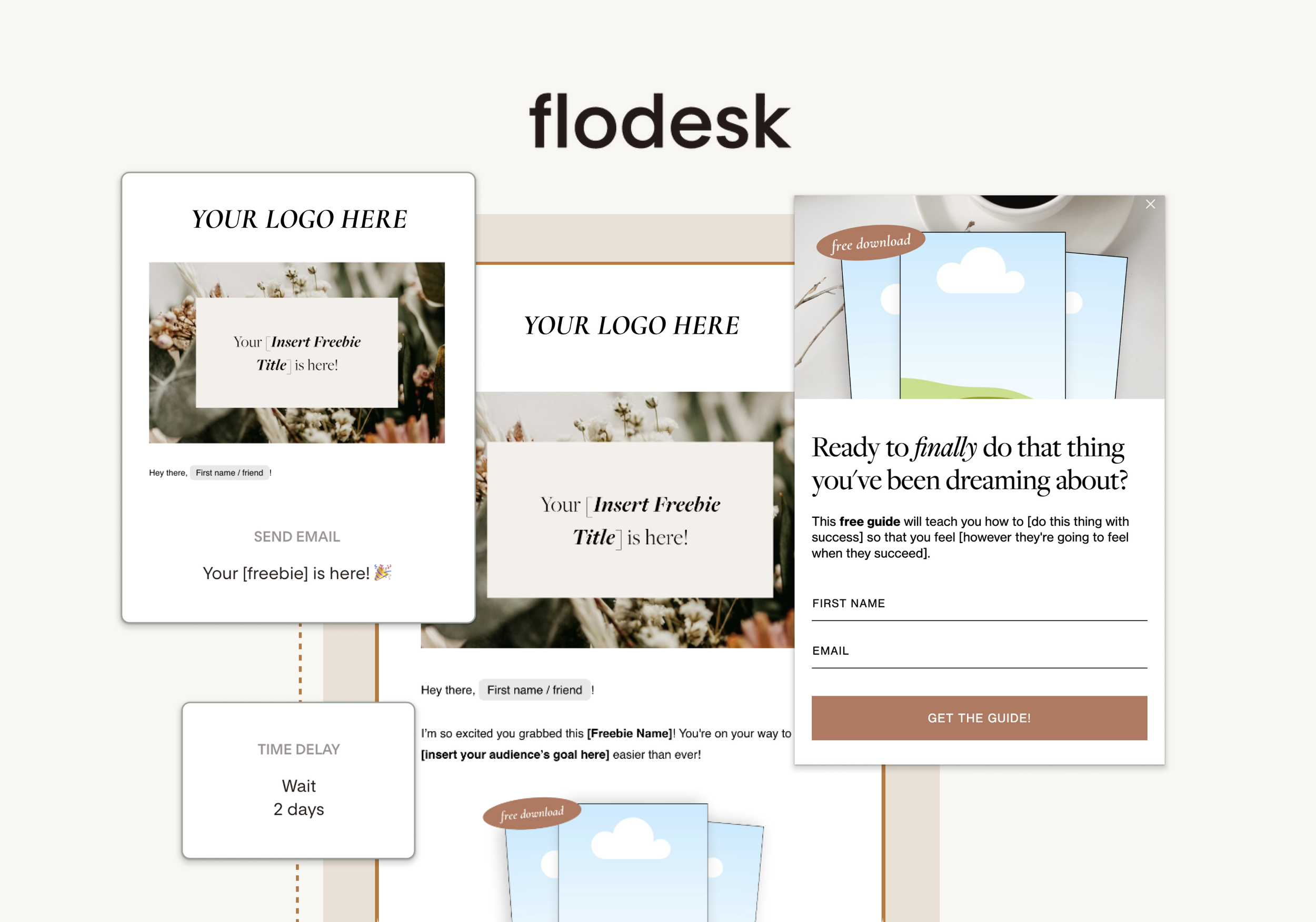
Ready to save time building out your freebie delivery workflow?
The Flodesk Freebie Toolkit has a pre-built 3-email freebie delivery workflow, so all you have to do is fill in the details and let it run automatically.
Step 5: Promote Your Freebie Like a Pro
Once your freebie is live, it’s time to get eyes on it and start growing you list!
You can promote your freebie…
In your Instagram or Tiktok bio
In an Instagram Story highlight
Pinned to the top of your Facebook page
Add a link to your email signature
Share it in relevant Facebook or LinkedIn groups
The Flodesk Freebie Toolkit has an optional Canva promo kit add-on! It includes Instagram posts, stories, and Pinterest pins to make promoting your freebie quick and easy.
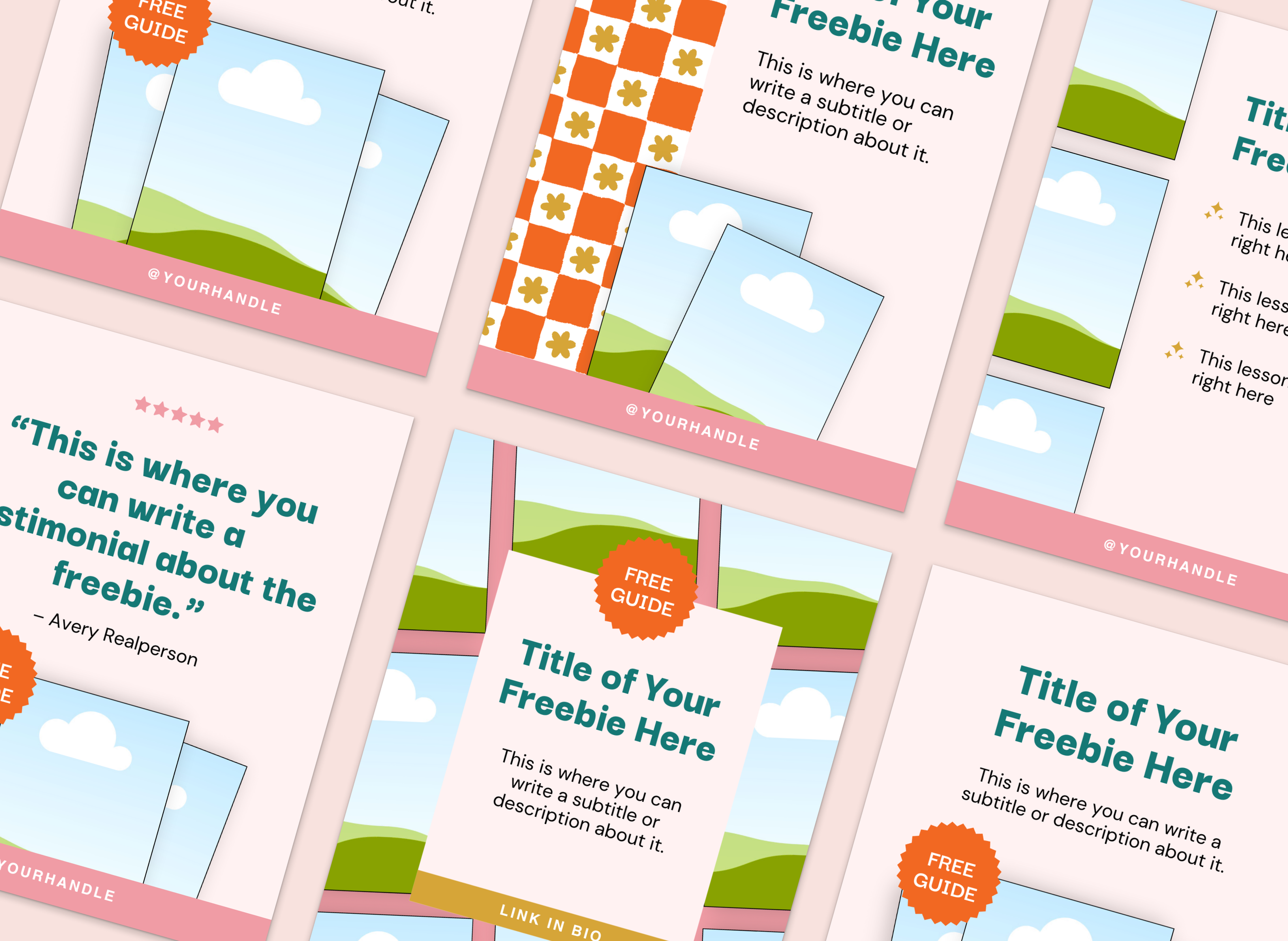
Social media templates to promote your freebie - an add-on option to the Flodesk Freebie Toolkit
Ready to Set Up Your
Freebie in Under an Hour?
For just $67, the Flodesk Freebie Toolkit gives you everything you need to start growing your email list:
3 Pre-Written Email Templates
3 Form Templates (Popup, Embedded, Full-Page)
Canva Mockups to Promote Your Freebie