A services page is a single page on your website that’s dedicated to selling the offers you provide, giving your audience details about them and showing them how to purchase them.
Services pages can be overwhelming and intimidating (I’ve built a ton of them in my time as a designer, so trust me, I get it!), but one thing you should always have on yours are testimonials.
Why are testimonials so important?
Buyers make decisions in different ways. One way some make decisions is by reading about the experiences of others who have tried something first. Think about it—how many times have you shopped on Amazon and immediately scrolled down to read the reviews? Testimonials are a super great way to show off that your offer can really help people solve whatever problem your offer solves!
What if you don’t have testimonials for your offer yet?
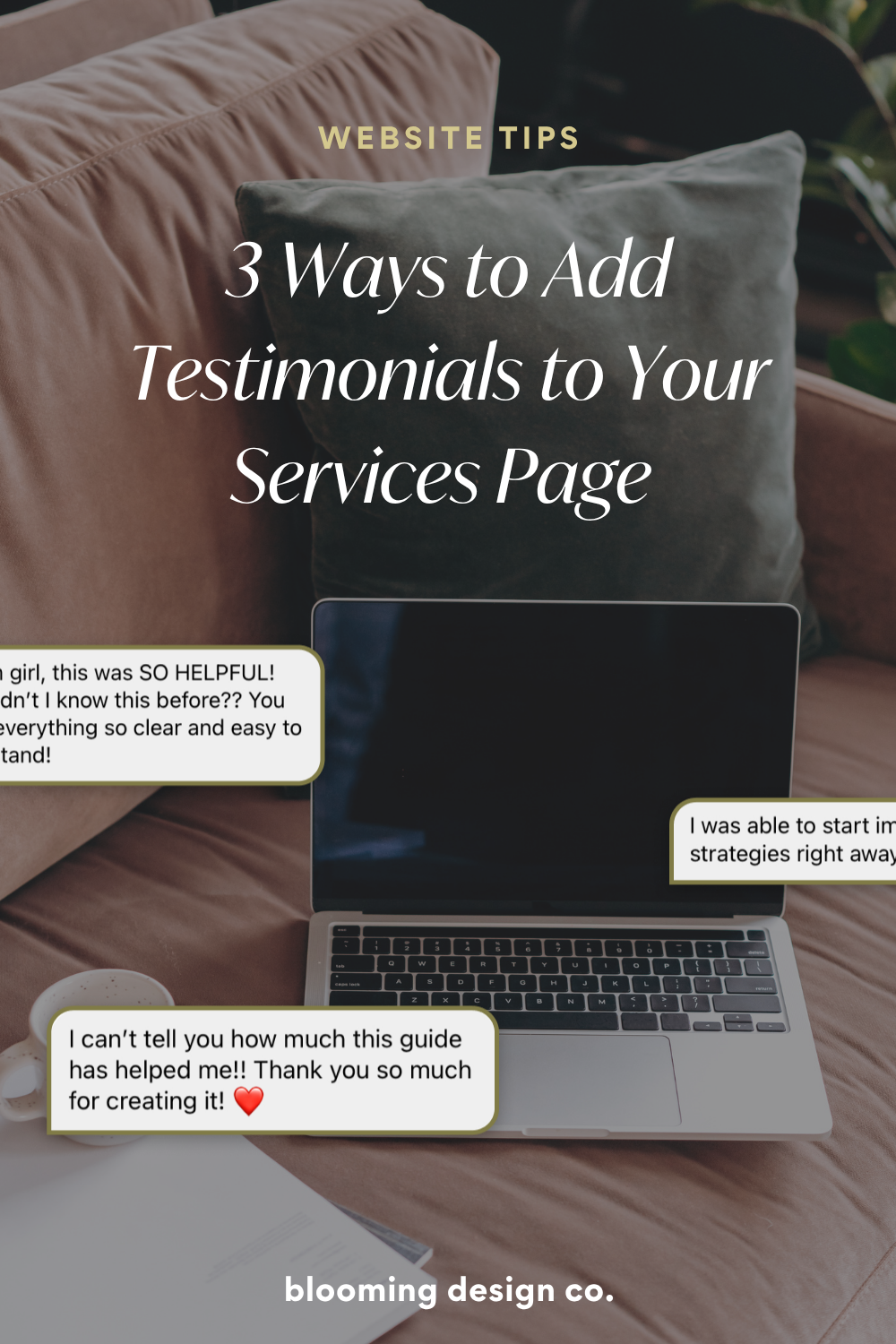
That’s totally okay, we’ve all been there. Maybe you don’t have testimonials yet because you are just getting your business started, but there are ways you can still showcase your value. Maybe you have your first one to two clients, and it’s a new relationship, so you haven’t asked for a testimonial yet. However, they might have sent you a Slack message or an email thanking you for your work. You can use screenshots of those messages as testimonials.
3 ways to add testimonials to your services page
1. Scrolling Carousel
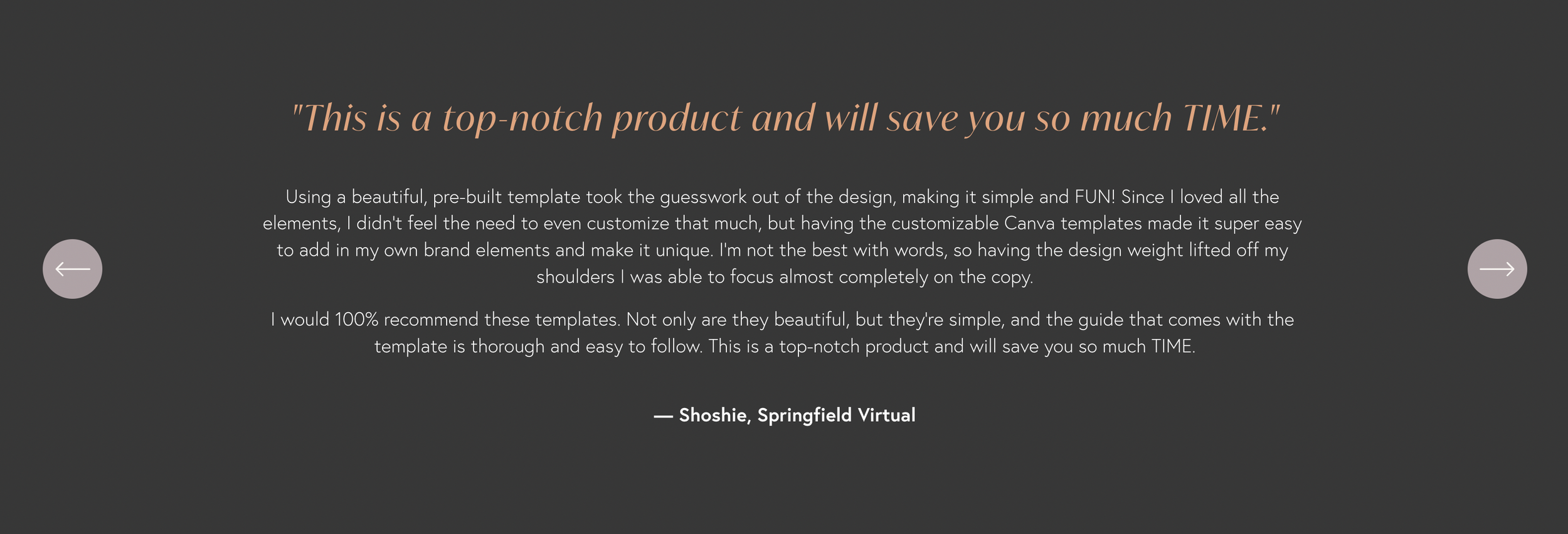
One of the most common ways I add testimonials to a page is probably a scrolling carousel of text. This form of testimonial is great for if you have large or small amounts of text.
If you’re using a website builder like Squarespace, these features are usually built in. When using text in a testimonial by itself, I always like to add what’s called a “pull quote”. A pull-quote is one short, extremely powerful snippet of the full testimonial that will help draw the scroller’s attention to the testimonials and give them a vague idea what they’re about. Here’s an example of a testimonial slider that’s currently on my home page:
2. Text and Image
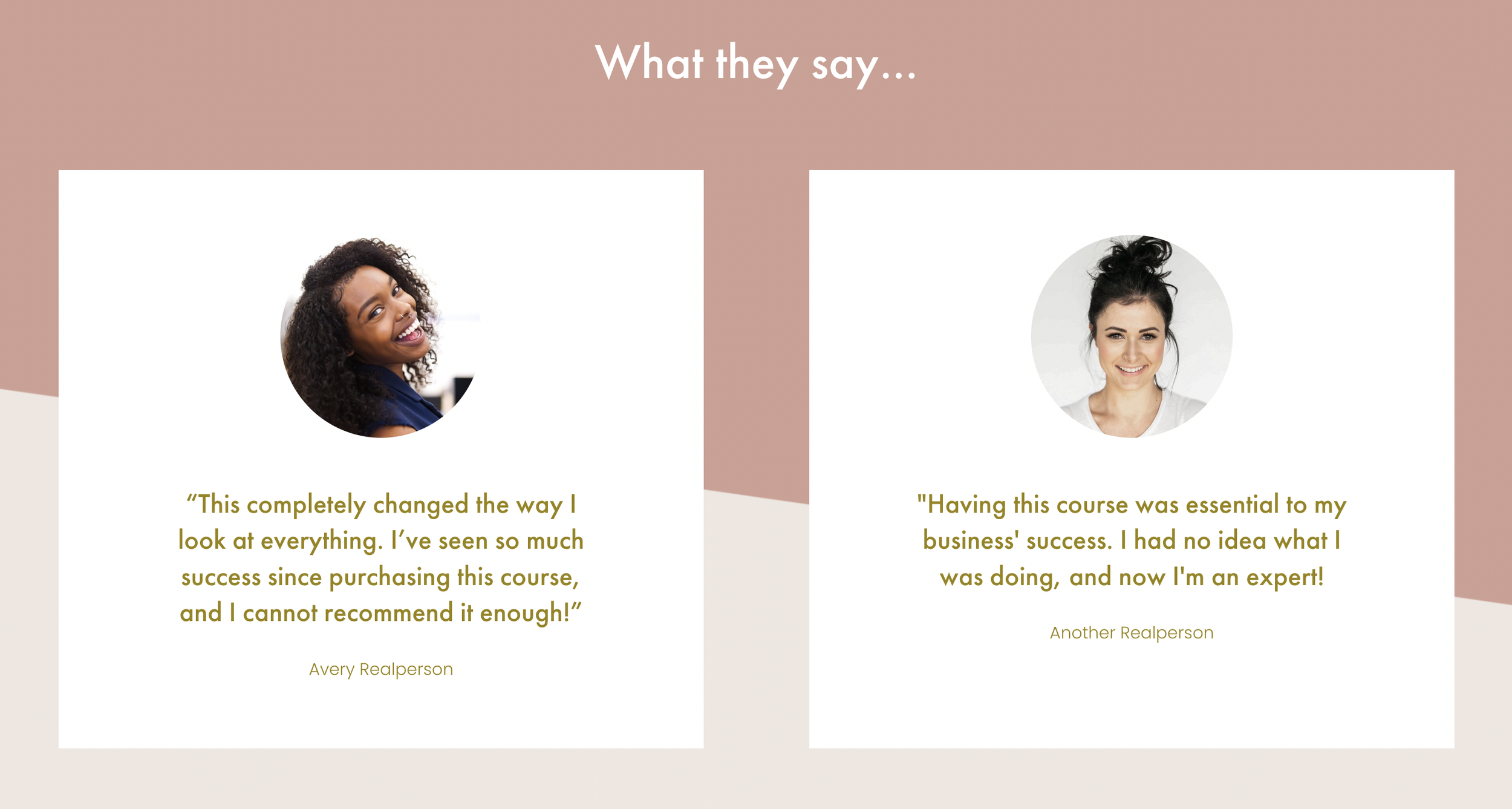
You can use just the text if that’s all you have, but adding an image of whoever gave the feedback (with their permission, of course!) is always powerful too. You can also do this as a scrolling carousel with an image, or stationary with just text and an image. Here’s an example of this from my Modern Sales Page Template:

And here’s another example using image and text in a different format, from the sales page on the Daisy website template:
3. DM Testimonials
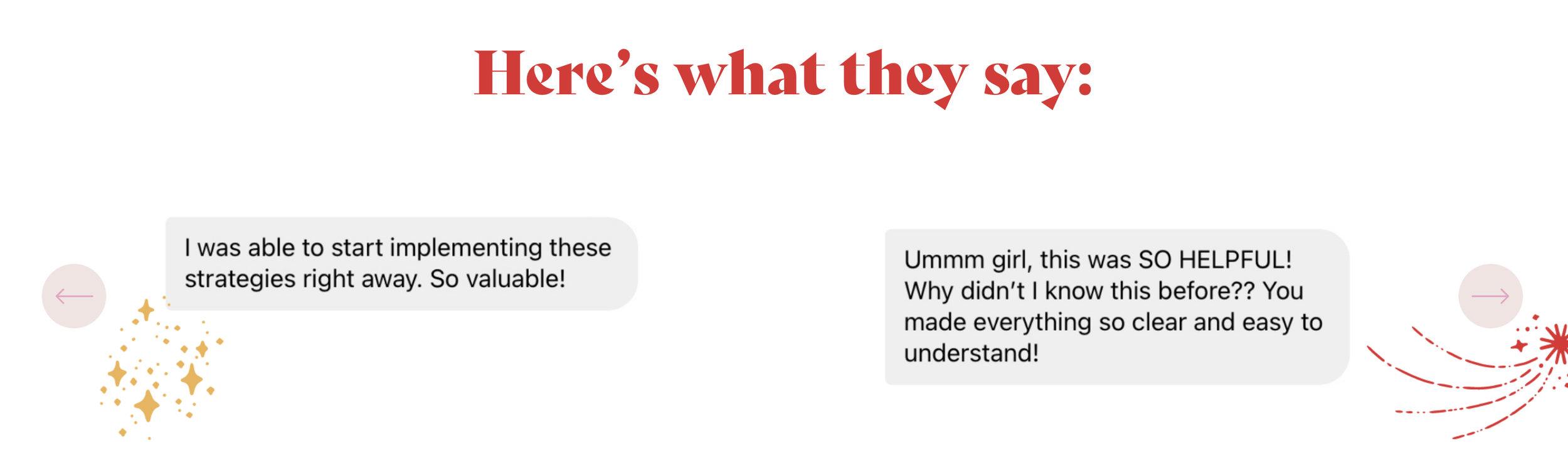
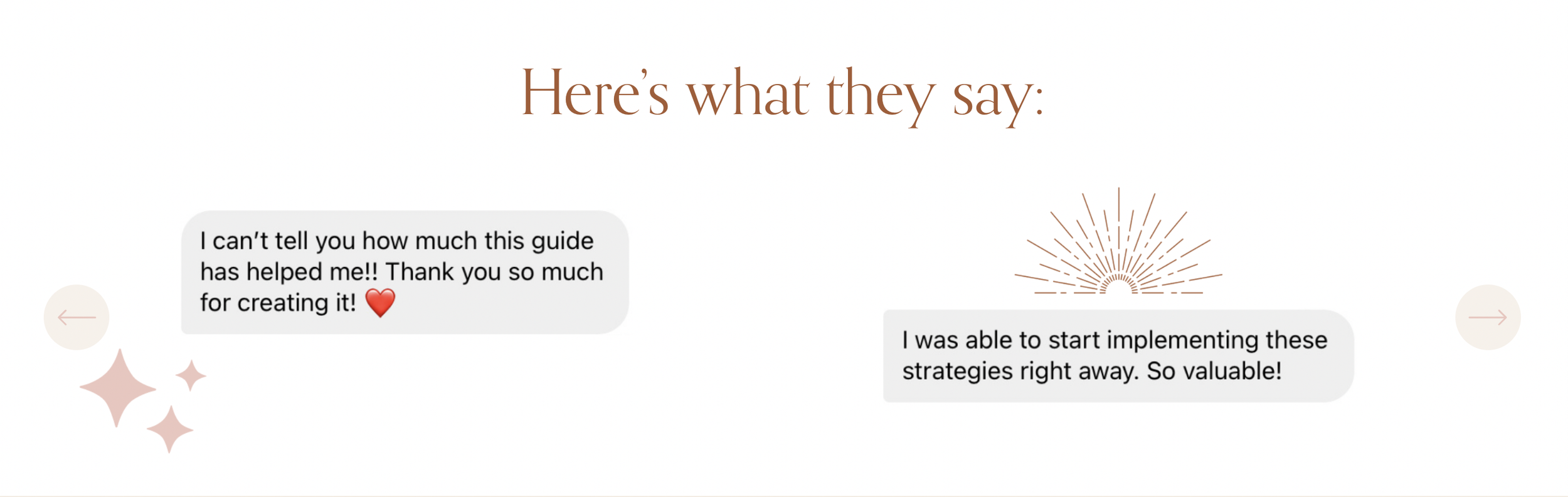
One other way I like to show off testimonials is by using DMs people get, on Instagram for example. I used to have website clients send me a bunch of DMs they wanted on their sales page, and sometimes those can look a little sloppy. So in all my sales page templates, there’s an option provided to make your DM screenshots look a little nicer, with the help of some Canva templates. Here’s two examples from my Chic Sales Page Template and Modern Sales Page Template:
Hopefully by implementing testimonials on your site, you see the impact they can have on selling your offer!
Don’t feel like building a website from scratch?
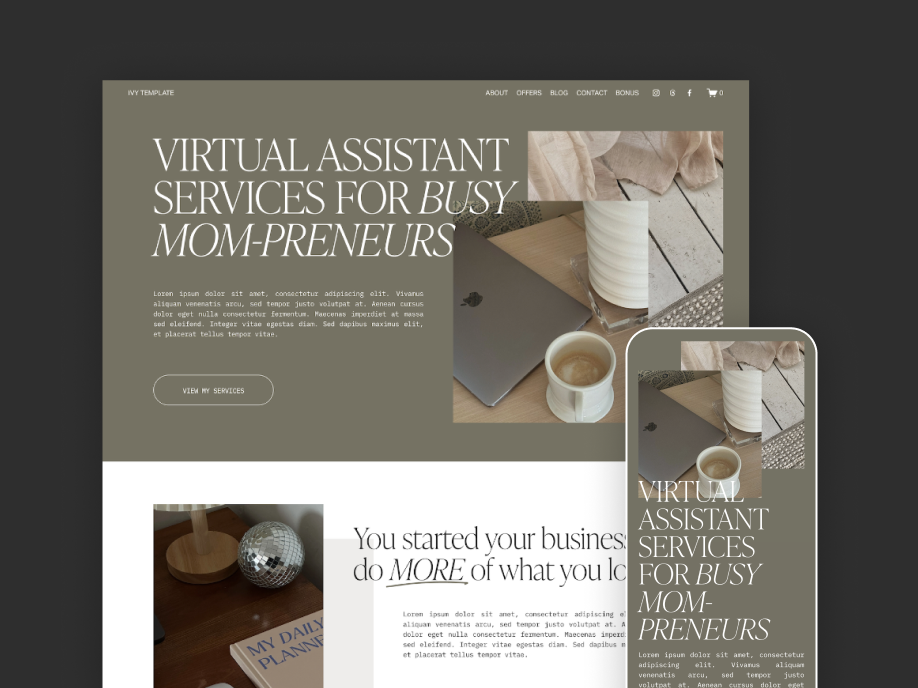
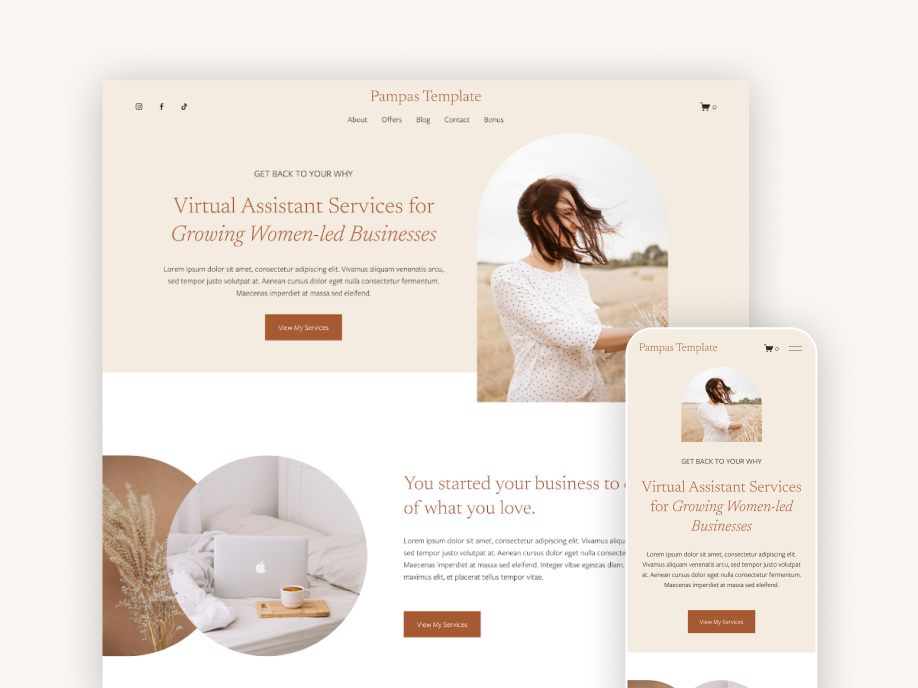
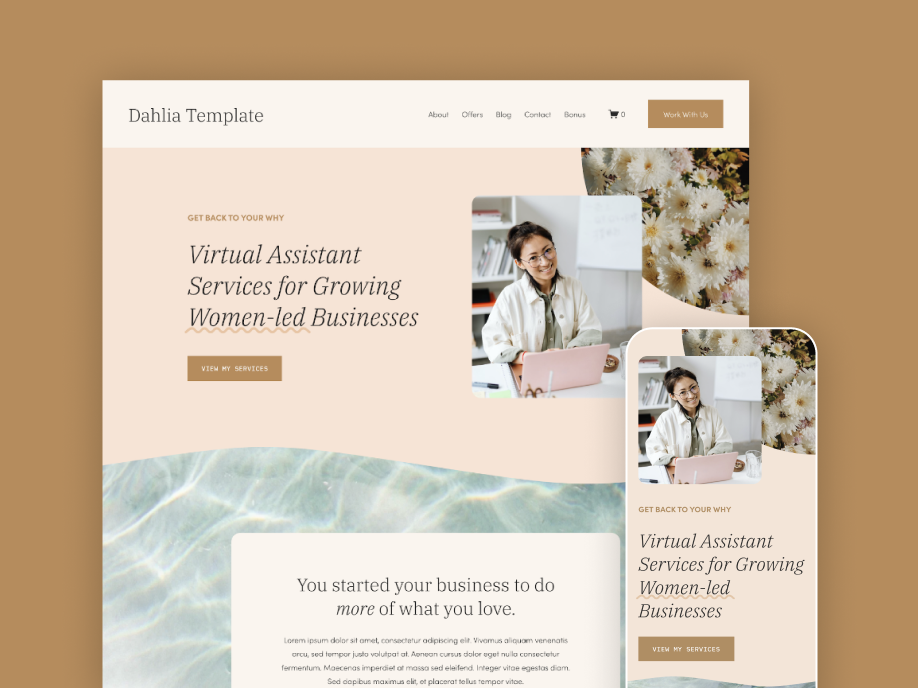
Check out my Squarespace Templates for Virtual Assistants! They’re a plug-and-play, fast way to launch your website. And of course, they include testimonial sections like the examples above.